

Showing posts with label technology. Show all posts
Showing posts with label technology. Show all posts
Monday, September 4, 2017
ClassDojo
Teachers, join the campus in creating a ClassDojo account. I think you will love it! Reward points for positive behaviors in your classroom, and share students with other teachers. Learn more ClassDojo Info

Monday, November 28, 2016
Hour of Code
Hour of Code is a worldwide event that encourages kids and adults to try their hand at computer programming through fun and easy tutorials. We strive to reach every student at GRIS during Hour of Code hoping to spark interest in Computer Science. Hour of Code is celebrated during the week of December 5-9th. We will be doing Hour of Code activities in the library and classrooms during the next three weeks. I encourage families to try some of the Hour of Code activities at home.
Try some of these activities. More activities can be found at https://code.org/learn
 |
| Scratch Music |
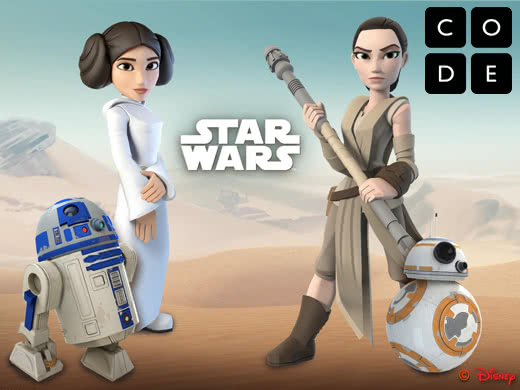 |
| Star Wars |
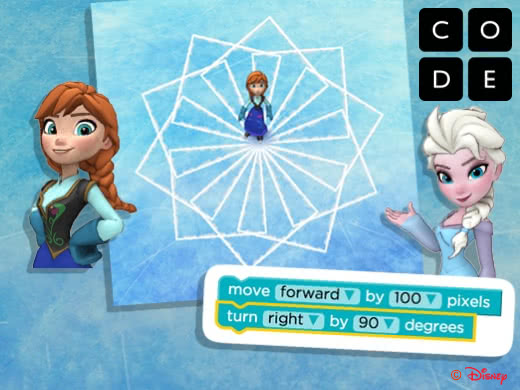 |
| Frozen |
 |
| Angry Birds |
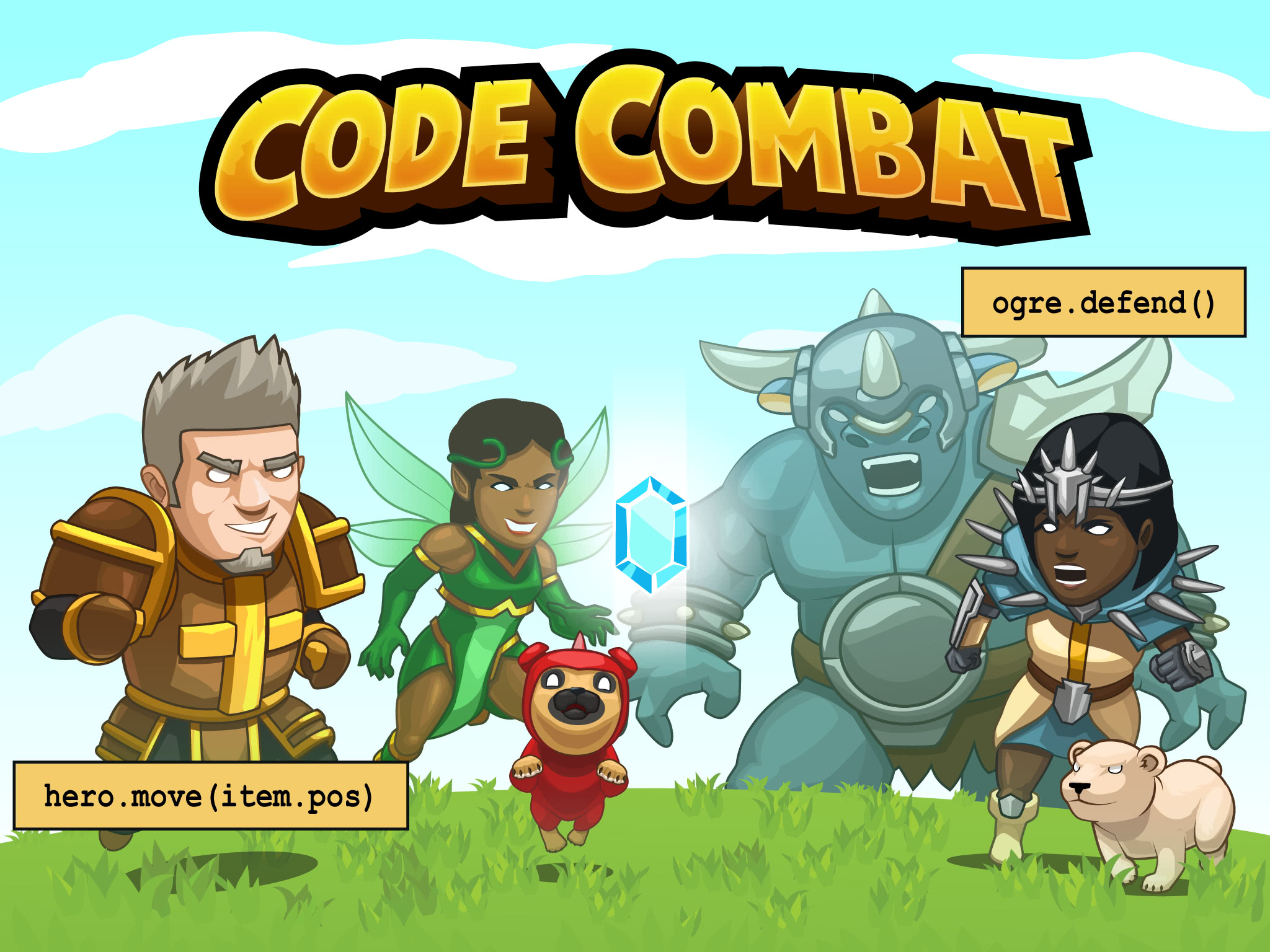 |
| Code Combat |
 |
| Minecraft |
Monday, August 8, 2016
YouTube in the Classroom
From the latest post by Educational Technology and Mobile Learning...
A list of 30 educational YouTube channels.

A list of 30 educational YouTube channels.
Thursday, April 21, 2016
App Smashing with Weather
Weather Underground or WeatherBug are great tools for teaching your students to look at the current weather conditions and the forecast for the next few days. Take the learning one step further by having the kids screenshot the weather forecast and drop it into another app to show what they have learned. Here are a few ideas for you.


Annotate
Popplet - make a concept map showing all of the data that can be collected from the weather app.
PicCollage - drop a screenshot or two into PicCollage and add text to show what you know.

Doodle Buddy - Insert a screenshot as a background and draw and type over the image

Track Changes
Timeline - Capture screenshots of the weather over a period of time and add them to a timeline.

Voice Over
Screen Chomp - Add a screenshot, click record, and record your voice and your drawings to show your learning

Tellagami - Add a screenshot as a background and record your voice to make the gami give a weather report

PixnTell - Add a series of images, record your voice as you swipe through images to create a video.

Tuesday, February 23, 2016
Flippity
There are a lot of ideas for flashcards on the Internet, but this one appears to be very quick and easy. Flippity.net takes a Google spreadsheet and turns it into flashcards, a quiz game, a progress tracker, or a certificate of completion.

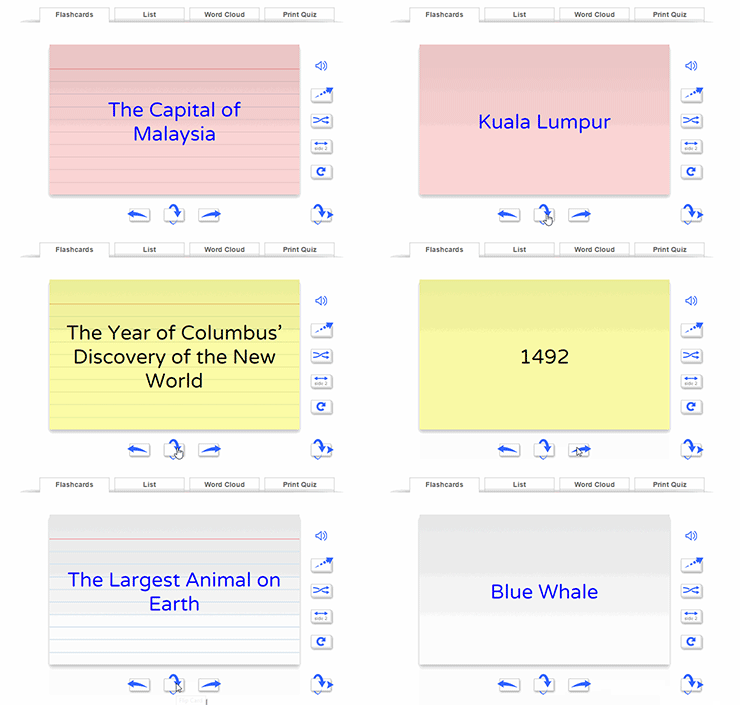
Click the link for Instructions & Templates to see how easy it is to create your own flashcards.
Wednesday, February 3, 2016
Tools You Can Use Tomorrow

Leslie Fisher is always entertaining. She is one of the must-see presenters every year at TCEA, with her "let me see how much information I can pack into an hour" attitude. I always walk away with a lot of great ideas. This year was no different. The line going into her session wrapped around the corner, and a few hundred people were turned away. We got in!!!
Here is a list of amazing tools that I think you can use tomorrow.
Tools you can use tomorrow
Tuesday, February 2, 2016
TCEA Convention

I have a schedule full of coding, robotics, and 3D printing, as well as a librarians' academy.
Location:Trinity St,Austin,United States
Wednesday, December 2, 2015
The Hour of Code is Here!!!
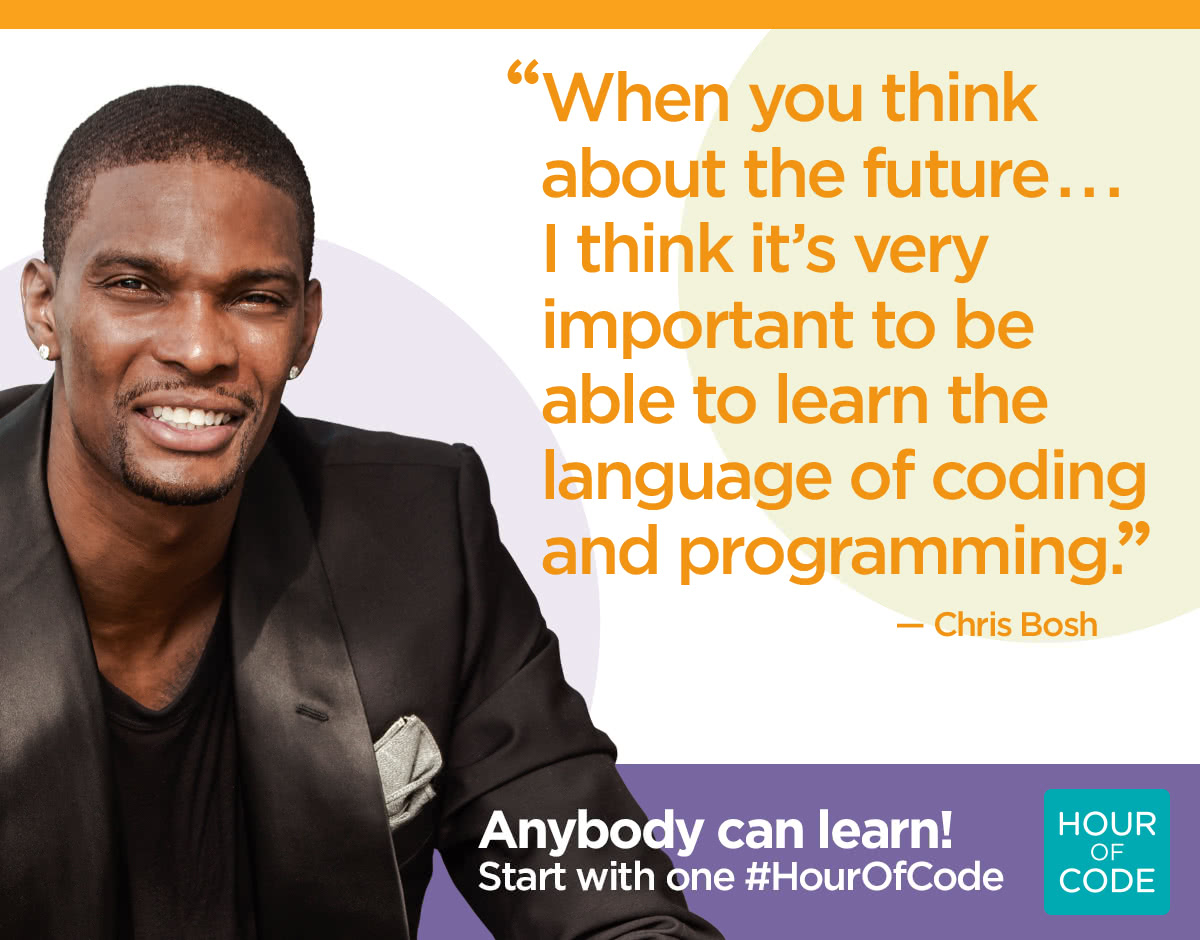
Next week is Computer Science Education week (Dec. 7-13). We are celebrating by participating in the Hour of Code event. During the next few weeks, every student will spend at least one hour learning basic programming skills in the form of games like Minecraft, Star Wars, Frozen, Flappy Bird, and Angry Birds. Code.org teaches coding with a simplified language called Blockly. Basically, students just drag and drop blocks of code to make the computer do a specific task. Some of the lessons even teach basic Java Script.
The kids love this, and they can do it from anywhere with any device. Try it out at home. I think the whole family will love it.
There are many other free options for learning to code. Check out some of these apps and sites.
- Code.org
- Code Academy
- Khan Academy
- Tynker.com
- Scratch
- Apps
- The Foos
- Kodable
- Daisy the Dinosaur
- Hopscotch
- Tynker
- Cato's Highway
- Lego Mindstorms Fix the Factory
- Code Monkey
- My Robot Friend
- Cargo-Bot
- Move the Turtle
- Code Monster
Tuesday, August 25, 2015
Acceptable Use Policy
Welcome to the new school year! With a new year, brings new responsibilities. More homework, more reading, more independence, new technology devices. Let's go over your responsibilities as a student using technology.
.jpg)
The district has an Acceptable Use Policy (AUP) for all students and staff that use district technology resources. In fact, your parents have already agreed to and signed your AUP when they registered you for class this year. An AUP is a contract between you, your parents, and the district about how and when technology will be used. It outlines appropriate uses and consequences for using technology inappropriately.
Basically, you need to know what is expected of you. It all boils down to this:
The district has an Acceptable Use Policy (AUP) for all students and staff that use district technology resources. In fact, your parents have already agreed to and signed your AUP when they registered you for class this year. An AUP is a contract between you, your parents, and the district about how and when technology will be used. It outlines appropriate uses and consequences for using technology inappropriately.
Basically, you need to know what is expected of you. It all boils down to this:
General Guidelines
- Do not use a computer to harm other people or their work.
- Do not damage the computer or the network in any way.
- Do not interfere with the operation of the network by installing any
- software, shareware, or freeware. Students are permitted to save
- their files on the network in their personal directory.
- Do not violate copyright laws.
- Do not view, send, or display offensive messages or pictures.
- Do not share your password with another person.
- Do not waste limited resources such as disk space or printing
- capacity.
- Do not trespass in another’s folders, work, or files.
- Do notify an adult immediately, if by accident, you encounter
- materials that violate the rules of acceptable use.
- BE PREPARED to be held accountable for your actions and for the
- loss of privileges if the rules of acceptable use are violated.
Each student should read through these guidelines and discuss them with their homeroom teacher. Here is the link to the parent/student agreement that can be signed after the classroom discussion or you may want to make your own with more specific classroom rules.


Remember that MacBooks and iPads are school property, and on the Intermediate campus we do not allow students to go into settings and change wallpaper, screen savers, dock positions, etc. Sometimes changes are accidentally made in settings that are hard to detect and cause the computer to not work in the way that it should.
Friday, May 29, 2015
Professional Development Opportunities
Are you looking for some opportunities to earn comp time this summer, or maybe you are wanting to freshen up some technology skills over the summer? There are many opportunities for online professional development, and most of them are FREE.
Discovery Education (login required)
- Learn the basics of searching for content and streaming or saving for later use.
- Integrate videos and images using MovieMaker, Photo Story, green screen, and ActivBoard.
- Create assignments, quizzes, and writing prompts.
- Assign content to students

 Learning.com (login required)

- Work at your own pace on any of the ISTE Standards for Teachers
Google Apps for Education
Learn the basics of the Google Suite of Online Tools.
- Calendar
- Chrome Browser
- Docs Suite
- Docs
- Drawings
- Drive
- Forms
- Gmail
- Google Maps
- Search
- Sheets
- Sites
- Slides
- YouTube

 Renaissance Learning (AR and AR360) (create an account using your existing username and password)

Brush up on your knowledge of Reading Renaissance, monitoring reading growth and personal goal setting, or learn more about how to use AR in the classroom to encourage a culture of reading in the classroom.
Also, look for videos on AR360 and find out how to bring more nonfiction into your students' daily reading.
Tuesday, March 24, 2015
Finding Funds

Finding the Funds for Technology Projects
In today's world of tightened budgets and a lean economy, teachers find it difficult to secure adequate funding for all of their classroom needs, including technology. But just because the funding isn't there doesn't mean the need for that equipment is non-existent. In fact, we would argue that the need for educational technology is greater today than it has ever been as teachers work to personalize and differentiate teaching and learning for all students.
There are still ways to secure funds for your classroom projects, and TCEA is happy to share these with you. Here are a few great resources that require a little extra work, but are well worth the effort.
Donors Choose - DonorsChoose.org is a non-profit association that allows individuals to donate directly to public school classroom projects. Founded in 2000, the organization asks teachers "What change do you want in your classroom?" A teacher answers that question by choosing exactly what items are needed and describes the project online. Once funded, the items are sent to the classroom for immediate use. 70% of projects posted are funded. Teachers can sign up here. Adopt A Classroom and ClassWish are similar websites with crowdsourcing donation programs.
Digital Wish - Digital Wish has everything you need to locate funding specifically for classroom technology. Just like a gift registry, teachers build a wish list of technology products for the classroom and then tell prospective donors how their support will make a difference to students. In addition, Digital Wish offers discounts on common technology for the classroom.
Grant Wrangler - Grant Wrangler is dedicated to providing information about grants available for teachers. The site divides the grants available into several different categories like STEM, Arts and Humanities, Health and Physical Education, Libraries, Technology, and more.
EdTech Team Student Device Grant - The EdTech Team provides class sets of Chromebooks or Nexus devices to schools around the world out of their training profits. So far, they have donated 20 class sets. The short online application is available here.
Corning Incorporated Foundation - The foundation supports competitive grants for instructional technology for the classroom. Currently, they provide 136 grants in education totaling about $3 million.
Funding Factory - Get your community behind the effort to recycle inkjet and toner cartridges, cell phones, and small electronics and earn points toward technology. The program is completely free for schools and even includes the cost of shipping the items.
Grant Watch - This website offers information on all of the latest grants available. New grants are posted every day.
District Foundations - Many school districts now have a separate foundation that provides grants to classroom teachers. Check with your central office to see if your school has one and take advantage of that opportunity.
Subscribe to:
Posts (Atom)