Thursday, December 3, 2015

Create a Book Wish List

Your reading teachers have been very busy learning all about Accelerated Reader. I want to share one thing that kids and parents might like: creating a book wish list.
Our presenters shared 2 great resources for finding books on a specific grade level, and I want to share these resources with you. I think you will find these to be very helpful in creating a list of books that you are interested in and that are on your reading level.

  • What Kids Are Reading - Do you want to know what is popular with other kids your age? This website will show you which books are most read and tested on in AR. You can even filter the results by grade level, gender, reading level, state, type of book, and keyword. 
    • Click Create Lists of Popular Books
    • Choose grade and click Add Filter
    • To add more filters, click the plus sign in the white bar at the top next to Your Filters
    • Save/Print results will give you a pdf of the top 25 books matching your search
  • ARBookFind - Quickly search to see if a book has an AR test, reading level, how many points, or do an Advanced Search to find books of interest. Search by reading level, points, topics
    • Click the Advanced Search tab
    • Skip down to ATOS level and put in the reading range of books that you are comfortable reading
    • Addtional Criteria - choose a topic and a subtopic to narrow down your genre
    • Choose Fiction/Nonfiction and the language
    • Sort by author, title, book level, or rating
    • Go
    • Print to create a pdf of the list
  • GRIS Online Catalog - Look for books in our library that are on your reading level
    • Click the Search tab and go to Study Programs
    • Put your reading range in Minimum and Maximum Reading level boxes
    • Decide how many points you would like the book to be worth (remember that for each point, the book should take 2 days to read)
    • Keyword: type a topic that you would like to read about
    • Search

Wednesday, December 2, 2015

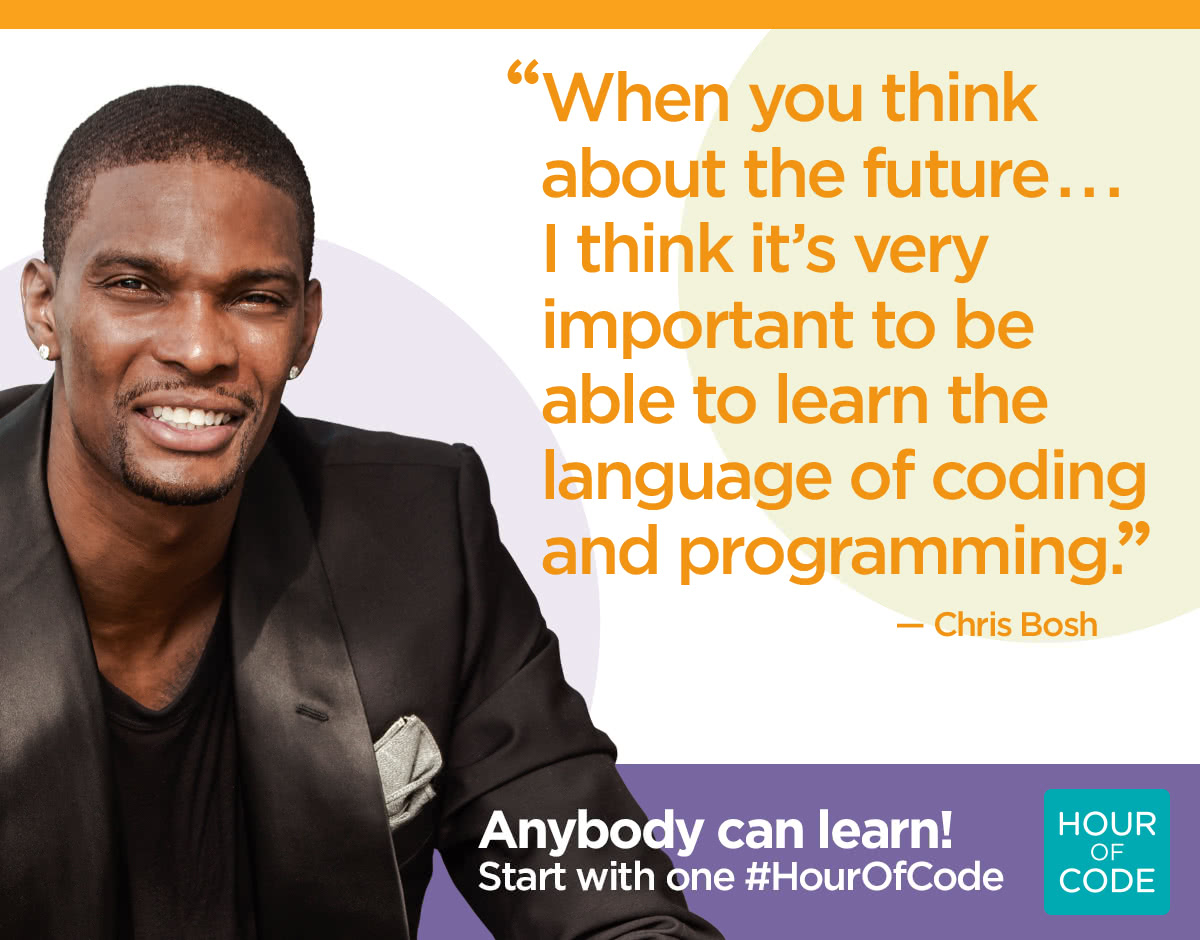
The Hour of Code is Here!!!


Next week is Computer Science Education week (Dec. 7-13). We are celebrating by participating in the Hour of Code event. During the next few weeks, every student will spend at least one hour learning basic programming skills in the form of games like Minecraft, Star Wars, Frozen, Flappy Bird, and Angry Birds. Code.org teaches coding with a simplified language called Blockly. Basically, students just drag and drop blocks of code to make the computer do a specific task. Some of the lessons even teach basic Java Script.

The kids love this, and they can do it from anywhere with any device. Try it out at home. I think the whole family will love it.

There are many other free options for learning to code. Check out some of these apps and sites.

Monday, November 30, 2015

CyberMonday Deals on Kindle Books

It's CyberMonday, and you know that means that there are tons of great online sales today. Amazon has some great deals on Kindle eBooks. Many of their books are 80% off today. That means you can snag some great books for just a couple of dollars each.
You do not need to own a Kindle to take advantage of these deals. You just need an Amazon account and a computer or a device with the Kindle App.